AI catering inbox
AI catering inbox for food trucks and caterers
Catering emails, calls, texts and DMs land in one place. CurbsideOps reads each inquiry, pulls out the facts, drafts the reply and gives you a lead to quote, book and follow up. Nothing is sent until you press Send.
Included in Professional and Premium.
Takes a minute. No credit card.
It reads the inbox so you do not have to
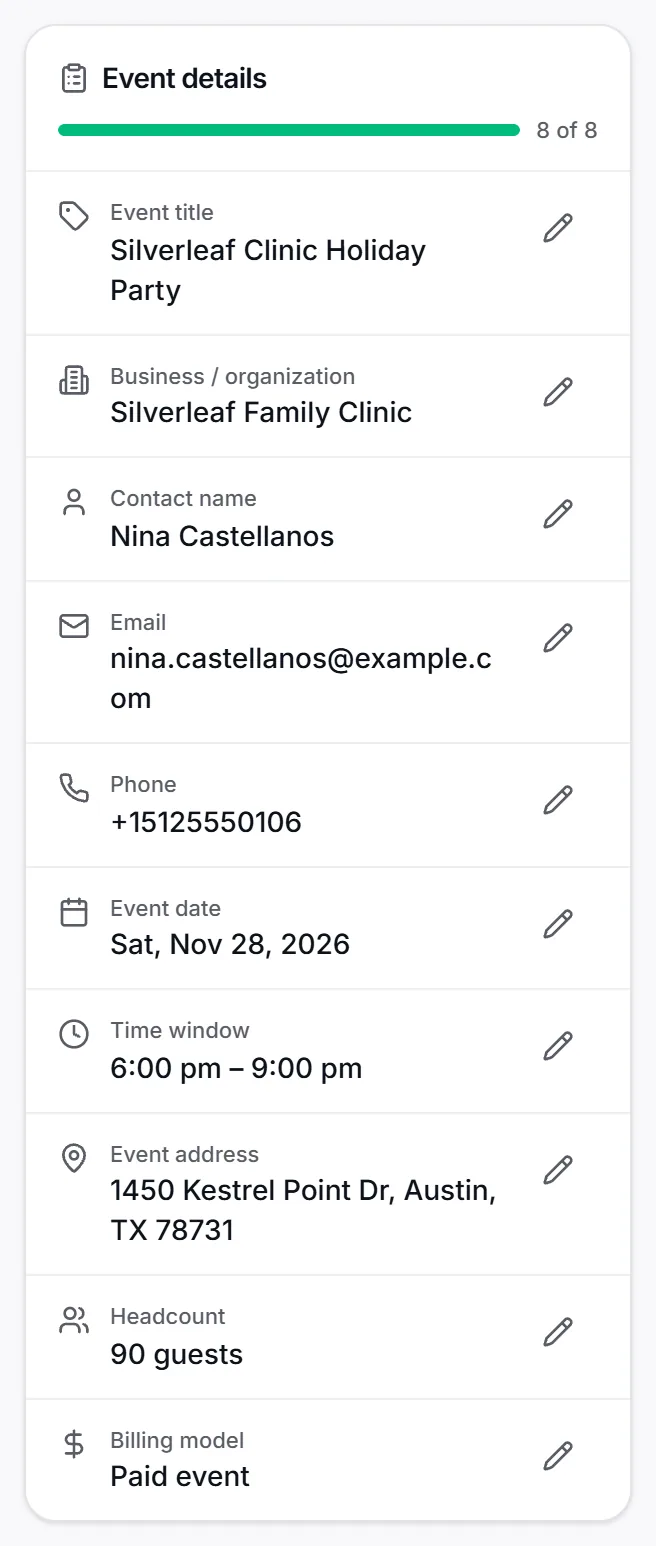
Connect Gmail once per brand. Every few minutes CurbsideOps checks new mail, separates catering inquiries from receipts and newsletters, and files each one as a conversation with the customer’s details attached. A thread that is not an inquiry stays out of your way, and you can rescue one with a click if it was.
- Sorts inquiries from the rest of your mail
- Pulls the date, time, headcount, address and budget into the lead
- Keeps every reply in the same thread, in Gmail and in CurbsideOps
A reply in your voice, ready to send
The draft uses your brand’s packages, prices and FAQ answers, so it never invents a number. Edit it, attach the agreement or a W-9, and press Send from the address the customer wrote to. When the customer replies, the next draft is waiting. The AI never sends on its own.
- Prices only from your menu packages and pricing templates
- Agreements, policies and vault documents attach from the reply box
- Replies go out from the mailbox the customer contacted
From inquiry to quote to deposit
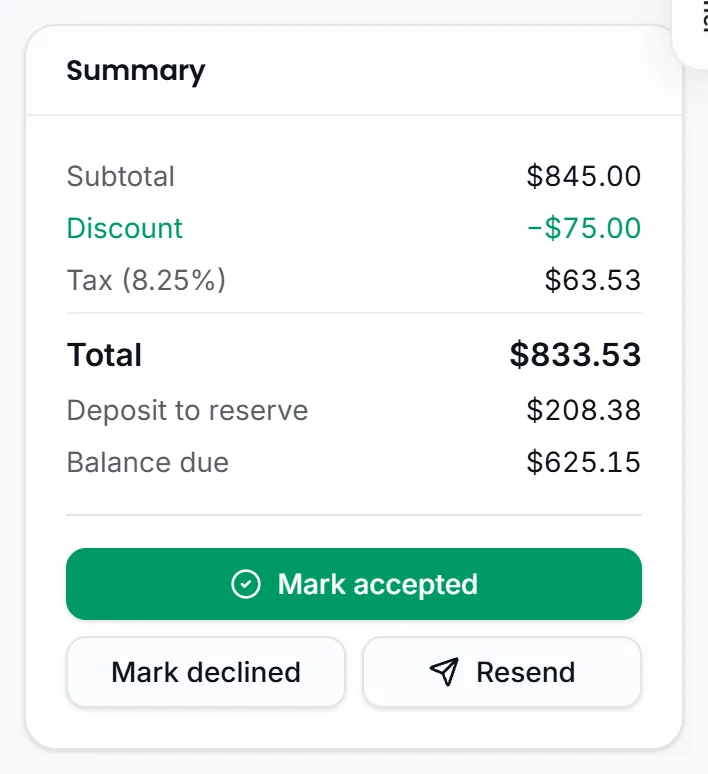
Every inquiry becomes a lead with the required facts checked off. Pick a package from the brand’s menu, send the proposal, and collect the deposit through Square. Accept turns the lead into a calendar event with the customer, the terms and the agreement attached. Follow-ups you promised live in one list.
- Proposals with a deposit link and e-signature
- Book it in one step: calendar event, job and sales row created together
- Follow-up reminders for "call me back Tuesday"
Texts, DMs and calls in the same inbox
On Premium, SMS and Facebook and Instagram messages join the inbox with the same drafts, and incoming calls are matched against your customers with a live banner and one-click lead capture, so a phone inquiry gets the same follow-through as an email.
- SMS, Facebook and Instagram conversations
- Caller ID against your customer list
- One lead per customer, whatever channel they used
Questions about ai catering inbox
Will it send emails without me?
No. Every draft waits for you. You can edit it, pick another sender address within the mailbox the customer wrote to, attach documents, or discard it. The only emails that go out on their own are the customer automations you switch on yourself, such as booking confirmations and reminders.
Does it work with my existing Gmail address?
Yes. You connect the Gmail account your customers already write to, one per brand or one shared across brands. Replies leave from that address, so the customer sees the sender they have always seen, and the thread stays in Gmail as well.
What stops the AI from quoting the wrong price?
Drafts can only use prices from your menu packages, pricing templates and saved FAQ answers. A draft that names a number not on that list is caught and rewritten once; if anything still looks wrong, a warning shows above Send. Anything the business has not decided is left for you to fill in.
Which plan includes the catering inbox?
The AI inbox is on Professional and Premium. Leads, proposals and deposits are on every plan, including Starter, so a single-truck operator can still quote and book by hand and move up when the email volume grows.
Every event booked, staffed, and ready
Tell us about your trucks and we will set you up properly.
Takes a minute. No credit card.